Best Monitor Height for Tall People: Ergonomic Setup Guide
Introduction
Best monitor height for tall people plays a critical role in maintaining proper neck alignment, reducing eye strain, and preventing long-term posture issues when working at a desk. Even with a well-adjusted desk, an incorrectly positioned screen can cause neck strain, shoulder tension, and long-term posture issues. Because many desks and monitors are designed around average height users, tall individuals often need additional adjustments to achieve proper alignment.
This guide explains the correct monitor height for tall people, how to measure it accurately, and how to optimize screen placement for both sitting and standing workstations.
Why Monitor Height Matters for Tall People
For tall users, monitor placement directly affects spinal alignment and head posture. Finding the best monitor height for tall people is essential to maintaining neutral neck posture and avoiding long-term cervical strain during extended desk work, especially during long work sessions.
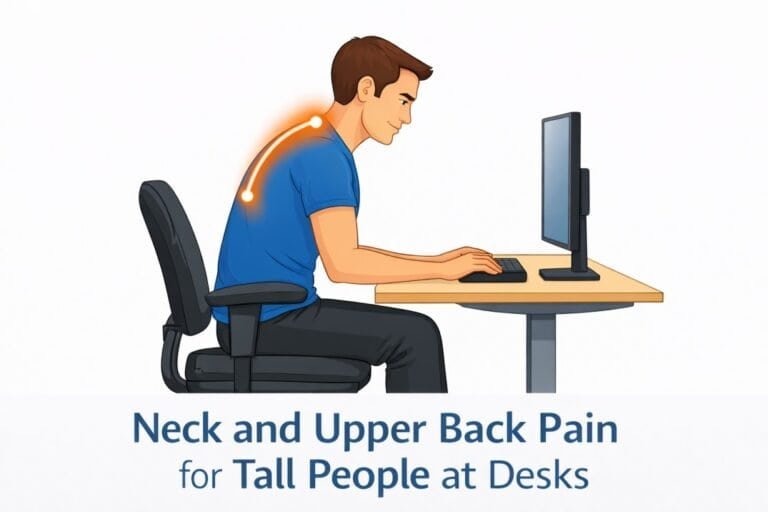
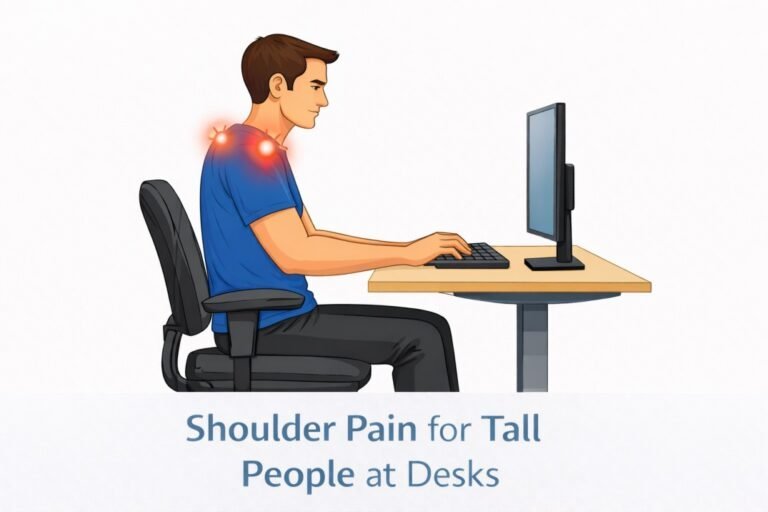
When a screen sits too low, tall people tend to lean forward or tilt their head downward, placing excessive strain on the neck and upper back. Over time, this misalignment can lead to chronic discomfort, tension headaches, and reduced productivity.
Proper monitor height helps maintain a neutral head position, reduces eye strain, and supports a healthier working posture throughout the day, making it a critical ergonomic consideration for tall individuals.
Ideal Monitor Height for Tall People
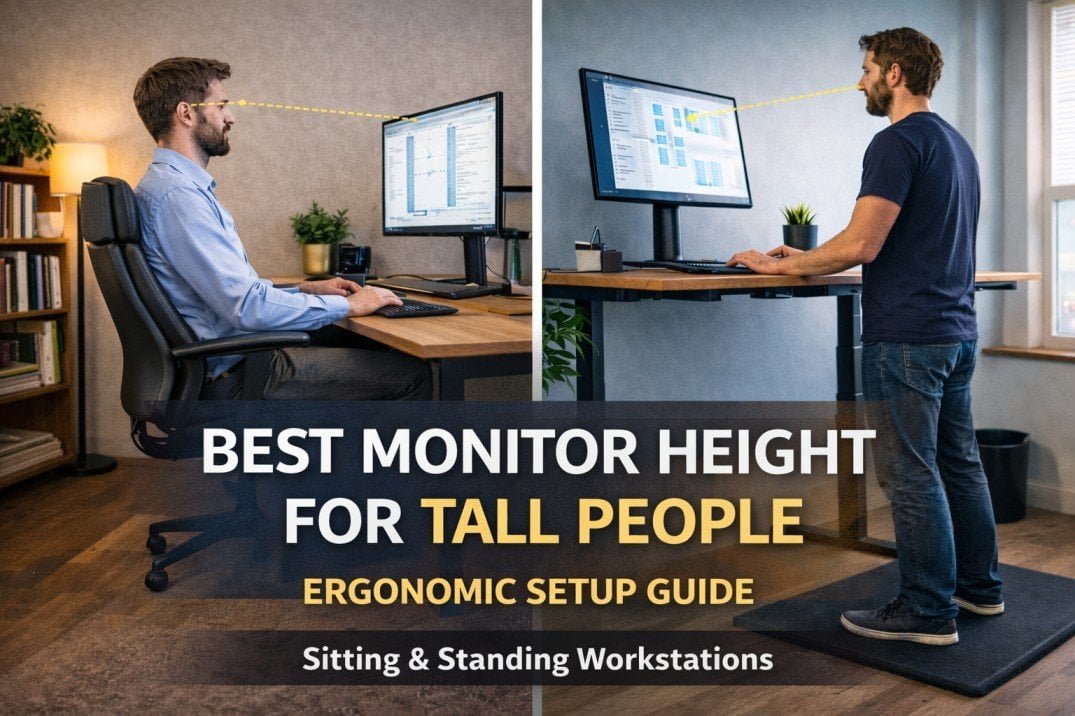
The ideal monitor height for tall people follows a simple ergonomic principle:
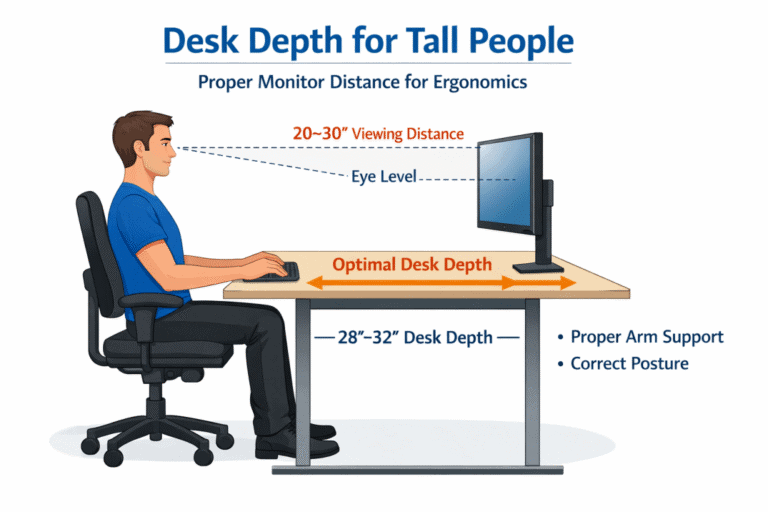
- The top of the screen should be at or slightly below eye level
- Your eyes should naturally fall on the upper third of the screen
- The monitor should be approximately arm’s length away
For tall users, this often means raising the monitor higher than standard desk setups allow, especially when using standing desks. According to ergonomic guidelines published by the Occupational Safety and Health Administration (OSHA), monitor height should allow the eyes to rest naturally near the top third of the screen to reduce neck strain.
For users who can’t achieve proper screen height with a fixed stand, the best monitor arms for tall people provide the vertical range and flexibility needed to maintain neutral neck posture.
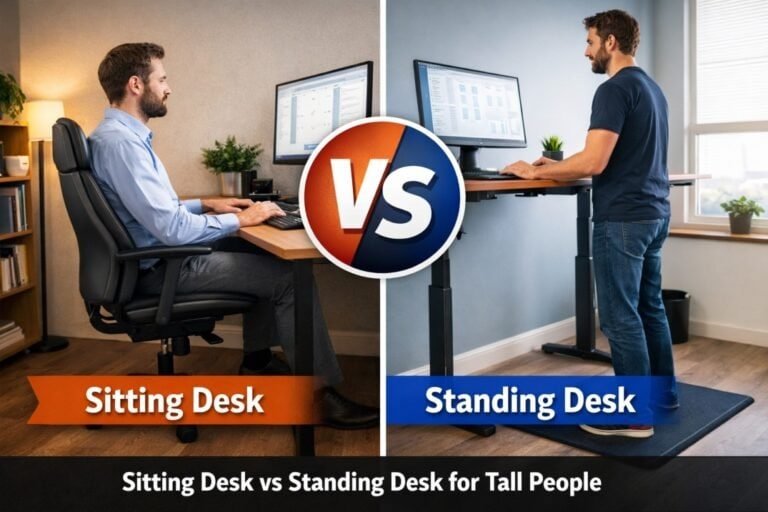
Standing vs Sitting Monitor Height for Tall Users
Monitor height requirements change depending on whether you are sitting or standing, and they should always be evaluated alongside desk height considerations for tall users to maintain proper ergonomics.
When sitting:
- Your eye level is lower
- The monitor usually sits closer to the desk surface
When standing:
- Eye level increases significantly
- Monitors often need to be raised several inches
Tall users who alternate between sitting and standing should consider adjustable monitor arms to maintain proper alignment in both positions.
How to Measure the Correct Monitor Height
- Sit or stand in your normal working posture
- Keep your shoulders relaxed and your head upright
- Measure the distance from the floor to your eye level
- Position the top of the monitor at or just below that measurement
This method works effectively when combined with proper standing desk height for tall people, ensuring the entire workstation remains ergonomically balanced.
Best Monitor Setup Tips for Tall People
- Use adjustable monitor arms instead of fixed stands
- Position dual monitors at equal height and angle
- Avoid placing laptops directly on the desk without a riser
- Adjust brightness and tilt to reduce eye fatigue
Tall users working long hours benefit significantly from flexible monitor positioning options.
Setting the best monitor height for tall people ensures the screen aligns with eye level, allowing the neck and shoulders to remain relaxed throughout the workday.
Common Monitor Setup Mistakes Tall People Make
One of the most common issues is relying on default monitor stands, which are rarely tall enough. Another frequent error is positioning monitors based on desk height rather than eye level. These mistakes often compound other standing desk mistakes for tall people, leading to poor posture and discomfort.
Frequently Asked Questions
Should tall people use monitor arms?
Yes. Monitor arms provide the height range and flexibility tall users need.
Does screen size affect monitor height?
Larger screens may require slightly lower positioning to maintain a comfortable viewing angle.
Conclusion
Choosing the best monitor height for tall people is essential for maintaining long-term comfort, productivity, and spinal health in a tall workstation setup. By aligning the screen with eye level, adjusting for sitting and standing positions, and avoiding common setup mistakes, tall users can significantly reduce strain and improve long-term comfort.
When combined with proper desk height and posture habits, correct monitor placement completes an effective ergonomic setup for tall professionals.