Best Monitor Setup for Tall People Working Long Hours (Complete Ergonomic Guide)
Introduction
Best monitor setup for tall people working long hours is critical for preventing neck strain, shoulder tension, and eye fatigue—especially when standard workstation guidelines fail taller users. Most standard workstation guidelines are built around average-height users, leaving tall people with screens that sit too low or too close.
This guide explains the best monitor setup for tall people working long hours, covering optimal monitor height, distance, tilt, and positioning to help maintain neutral posture, reduce strain, and improve long-term comfort.
Why Monitor Setup Is Critical for Tall People Working Long Hours
A well-designed best monitor setup for tall people working long hours minimizes cumulative strain during extended desk sessions and should always be supported by proper desk height ergonomics for long work hours. Poor monitor height and viewing distance are often the hidden reasons tall users develop chronic neck and upper back pain during desk work. When a screen sits too low, tall people naturally tilt their head downward or lean forward, placing excess strain on the neck, shoulders, and upper back.
A correct monitor setup helps:
- Maintain neutral neck posture
- Reduce cervical and upper-back strain
- Minimize eye fatigue during extended work sessions
- Improve focus and productivity
Over long hours, even small setup errors can lead to chronic discomfort.
Best Monitor Setup for Tall People: Height Guidelines
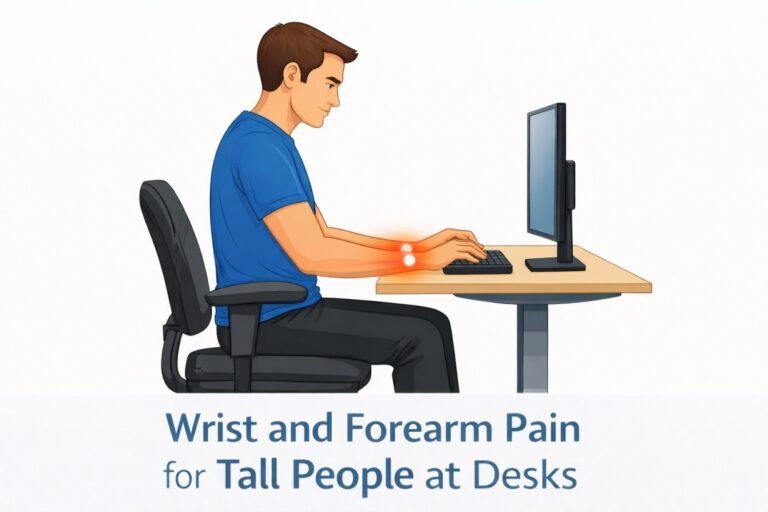
Poor monitor positioning often forces tall users to reach forward, increasing arm tension and long-term wrist strain during desk work. Achieving the best monitor setup for tall people working long hours starts with correct screen height and alignment.
Recommended Monitor Height Guidelines
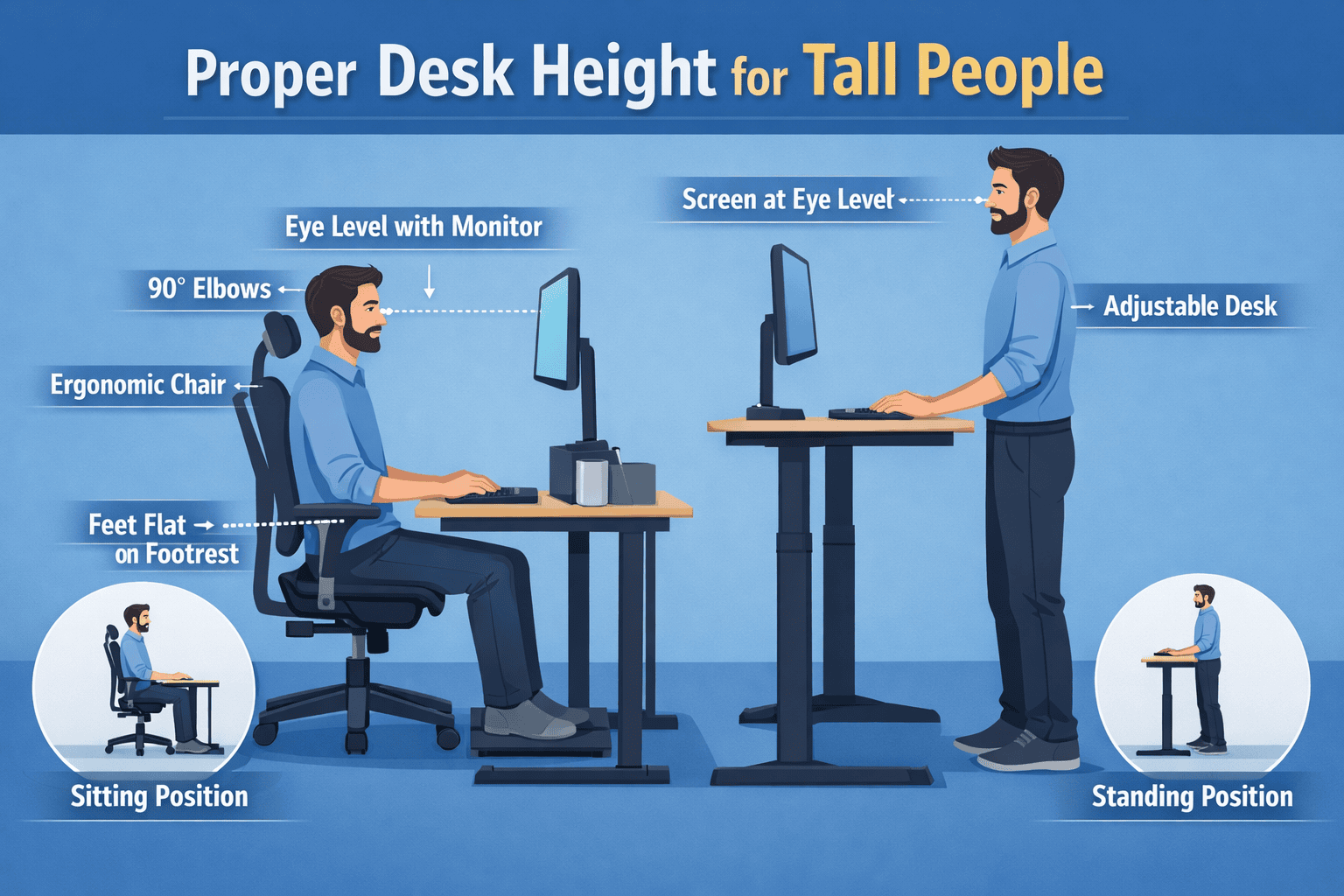
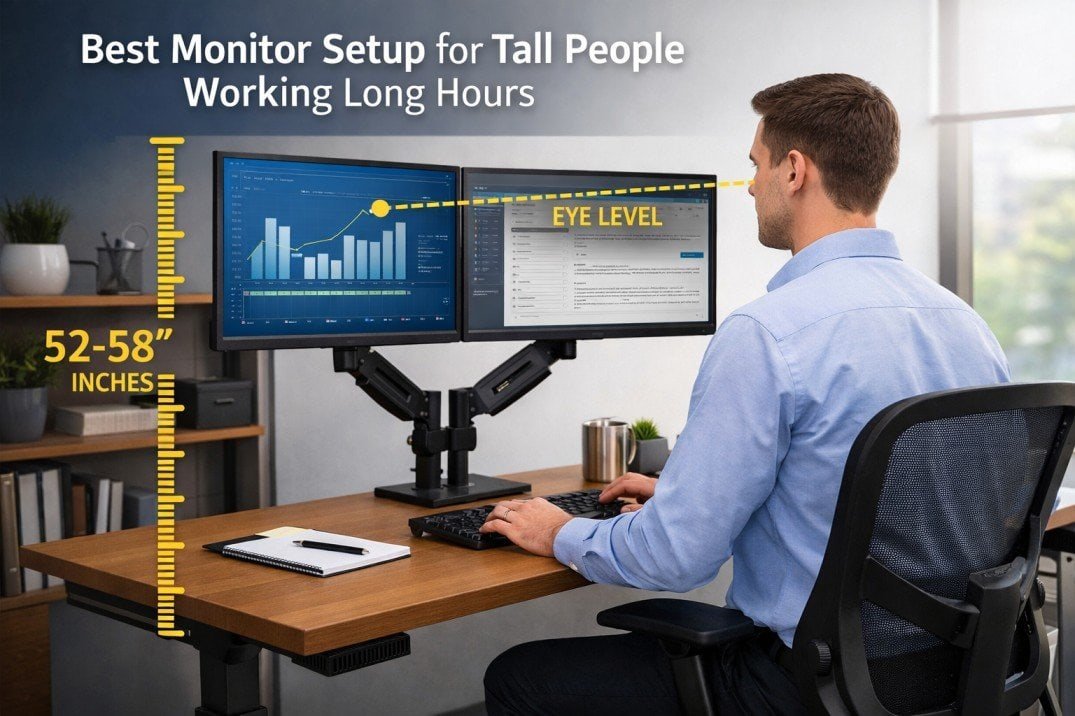
- The top of the screen should be at or slightly below eye level
- Eyes should naturally fall on the upper third of the screen
- Head should remain upright without tilting forward or downward
For tall users (6’0”+), achieving these alignments works best when the monitor is adjusted in combination with the best standing desk height for tall people, ensuring the desk and screen support a neutral posture together.
This often requires:
- Monitor height of 52–58 inches from the floor (varies by body proportions)
- A monitor arm or riser rather than a fixed stand
Correct monitor height reduces neck strain, but proper typing height is equally important — which is where the best keyboard trays for tall people become essential.
Ideal Monitor Distance for Long Work Sessions
Distance plays a key role in creating the best monitor setup for tall people working long hours, especially during prolonged screen use.
Optimal Viewing Distance
- Monitor should sit 20–30 inches from your eyes
- Larger monitors (27”–32”) may require slightly more distance
- Text should be readable without leaning forward
If you feel eye strain or the urge to move closer, your monitor may be too far or text scaling may be incorrect.
Monitor Tilt and Angle for Tall Users
The best monitor setup for tall people combines correct height, distance, tilt, and adjustability to support long hours of desk work without strain. Improper tilt forces the neck into subtle but harmful positions over time.
Best Tilt Settings
- Tilt the monitor 10–15 degrees backward
- Screen should face your eyes directly, not upward or downward
- Avoid placing monitors flat or overly angled
This ensures your gaze remains neutral throughout long work sessions.
Single vs Dual Monitor Setup for Tall People
Many tall professionals use dual monitors, but improper placement can increase strain.
Best Practices for Dual Monitors
- Center the primary monitor directly in front of you
- Align both monitors at equal height
- Angle secondary monitors inward slightly
- Avoid placing monitors too far apart, which forces excessive neck rotation
If both monitors are used equally, center them together rather than favoring one side.
Monitor Arms: A Must-Have for Tall People
Standard monitor stands often lack sufficient height adjustment for taller users, making it difficult to position screens at proper eye level. As a result, tall professionals frequently compensate by tilting their head downward or leaning forward, which increases neck and upper-back strain over time.
Why Monitor Arms Are Recommended
- Provide greater height range
- Allow precise positioning
- Improve desk space efficiency
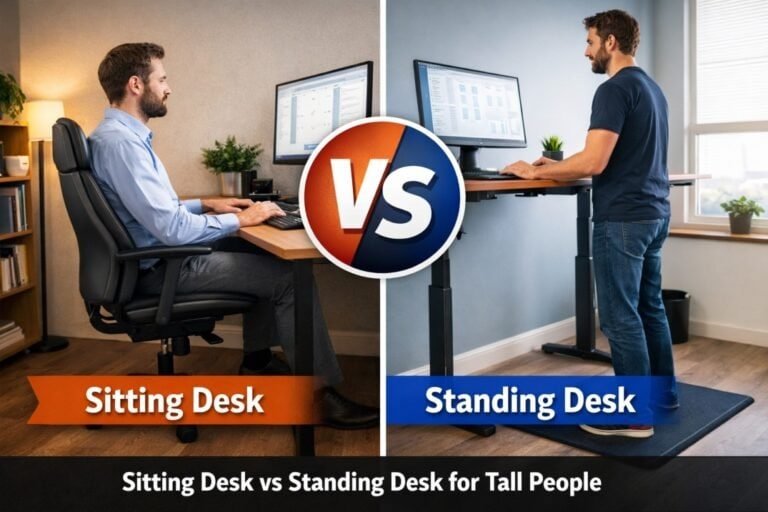
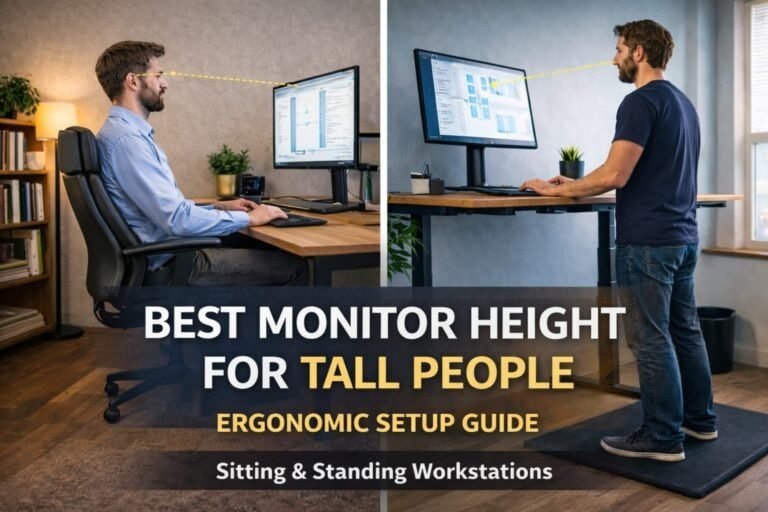
- Adapt easily between sitting and standing
According to ergonomic monitor positioning guidelines, adjustable monitor arms are recommended to support proper viewing angles, minimize musculoskeletal strain, and maintain healthy posture during extended computer use.
Common Monitor Setup Mistakes Tall People Should Avoid
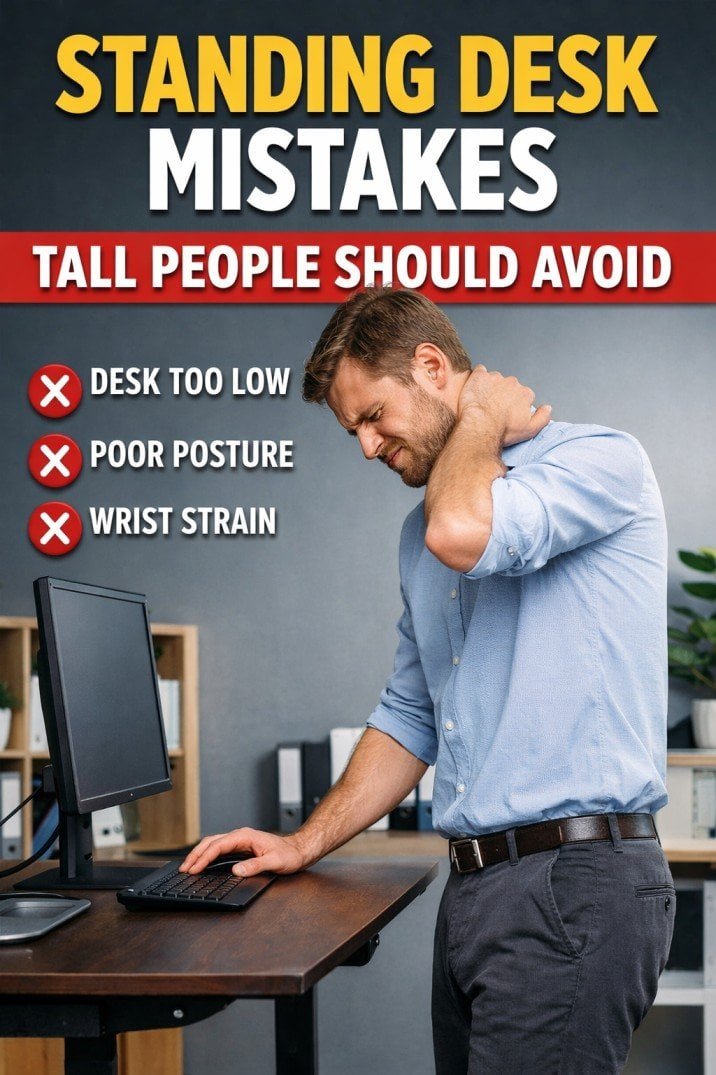
Even with good equipment, mistakes are common, and many of these issues overlap with common standing desk mistakes tall people should avoid, especially when desk and monitor height are not aligned.
Avoid:
- Placing monitors directly on the desk surface
- Using laptop screens without external displays
- Tilting the head downward for prolonged periods
- Ignoring posture breaks during long workdays
Poor monitor positioning often forces tall users to reach forward, increasing upper-body tension and contributing to chronic shoulder discomfort at desks.
Final Thoughts: Building a Comfortable Long-Hour Monitor Setup
Ultimately, the best monitor setup for tall people working long hours prioritizes adjustability, alignment, and long-term comfort, not just screen size or resolution. Proper monitor positioning helps prevent neck strain, supports healthy posture, and makes extended desk work significantly more comfortable.
Many long-hour posture issues are resolved by using adjustable monitor arms for tall users, which allow precise height and distance control throughout the day.
By investing in adjustable equipment and following ergonomic best practices, tall users can create workstations that support both productivity and long-term health.