Best Keyboards for Tall People (2026 Ergonomic Buying Guide)
Introduction
Finding the best keyboards for tall people is often more difficult than most users expect. While keyboard manufacturers rarely advertise products specifically for taller individuals, body size can significantly influence typing comfort, wrist position, and long-term ergonomics.
Tall professionals frequently have larger hands, longer fingers, broader shoulder width, and different desk positioning requirements than average-height users. As a result, compact keyboards, cramped layouts, and poorly designed wrist angles can contribute to discomfort during extended work sessions.
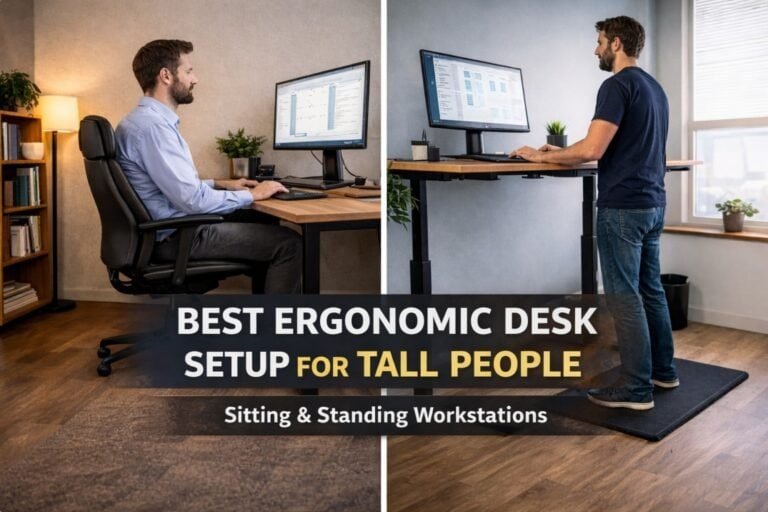
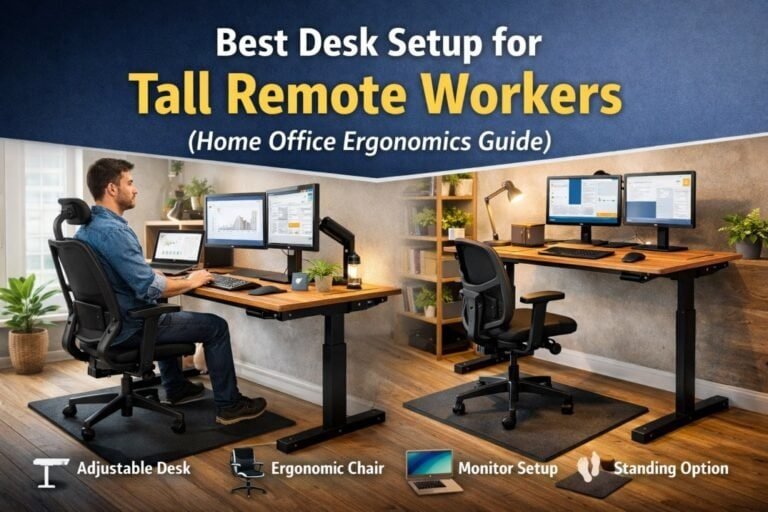
The right keyboard can help improve typing posture, reduce wrist strain, support proper shoulder alignment, and create a more comfortable workstation. However, keyboard selection is only one part of a complete workstation. Our guide to the best ergonomic desk setup for tall people explains how desk height, monitor placement, chair positioning, and accessories work together to improve long-term comfort. When combined with proper desk height, monitor placement, and chair positioning, keyboard selection becomes an important part of an ergonomic setup.
This guide reviews the best keyboards for tall people based on comfort, key spacing, ergonomics, typing experience, and long-term usability.
Disclosure: This article may contain affiliate links. If you purchase through these links, we may earn a commission at no additional cost to you.
What Makes a Keyboard Better for Tall People?
Unlike chairs or standing desks, keyboards do not have height ranges. However, several design factors directly affect comfort for taller users. Understanding these factors makes it easier to choose the best keyboards for tall people based on hand size, typing style, and workstation requirements.
Full-Size Layout
Many tall users prefer full-size keyboards because they provide more natural hand positioning and spacing between keys. Full-size models also include a dedicated number pad, which can be useful for productivity tasks.
Proper Key Spacing
Users with larger hands often find compact keyboards uncomfortable during long typing sessions. Slightly wider spacing helps reduce accidental keystrokes and improves typing accuracy.
Low Wrist Extension
Excessive wrist extension can contribute to discomfort over time. Keyboards with a lower profile or adjustable tilt help maintain a more neutral wrist position.
Ergonomic Design
Split and ergonomic keyboards can help reduce shoulder tension by allowing the arms to remain in a more natural position while typing.
Build Quality
A sturdy keyboard reduces flex and improves overall typing experience, especially for users who spend many hours at a desk.
The Cornell University Ergonomics Program also recommends positioning keyboards to minimize wrist extension and reduce upper-body strain during prolonged computer use.
Quick Recommendations
Best Overall
Logitech MX Keys S
Excellent typing comfort, premium build quality, low-profile design, and strong ergonomic performance for most tall professionals.
Best Ergonomic Keyboard
Microsoft Sculpt Ergonomic Keyboard
Split-key design promotes natural arm and wrist positioning during extended work sessions.
Best Mechanical Keyboard
Keychron Q6 Max
Full-size mechanical keyboard with premium construction and excellent typing feel.
Best Budget Choice
Logitech K845
Solid build quality and comfortable typing experience at an affordable price.
Comparison Table — Best Keyboards for Tall People
The best keyboards for tall people combine ergonomic design, comfortable key spacing, and long-term typing comfort.
| Keyboard | Type | Layout | Best For |
|---|---|---|---|
| Logitech MX Keys S | Membrane | Full Size | Overall Ergonomics |
| Microsoft Sculpt Ergonomic | Ergonomic | Split Layout | Wrist Comfort |
| Keychron Q6 Max | Mechanical | Full Size | Premium Typing |
| Logitech K845 | Mechanical | Full Size | Budget Option |
| Keychron K10 Pro | Mechanical | Full Size | Wireless Productivity |
| Logitech ERGO K860 | Ergonomic | Split Layout | Shoulder Alignment |
| Das Keyboard 6 Professional | Mechanical | Full Size | Heavy Daily Use |
Keyboard Option #1: Logitech MX Keys S
The Logitech MX Keys S is one of the most comfortable keyboards available for office productivity. Its low-profile keys require minimal finger travel, which helps reduce fatigue during long work sessions.
Pros
- Excellent typing comfort
- Premium build quality
- Quiet operation
- Multi-device support
Cons
- Higher price than basic keyboards
- Not mechanical
Keyboard Option #2: Microsoft Sculpt Ergonomic Keyboard
The Microsoft Sculpt Ergonomic Keyboard remains one of the most popular ergonomic keyboards available. Its split layout encourages a more natural arm position and can help reduce strain for users working long hours at a desk.
Pros
- Excellent ergonomic design
- Comfortable wrist support
- Natural typing position
Cons
- Requires adjustment period
- Larger footprint
Keyboard Option #3: Keychron Q6 Max
For users who prefer a premium mechanical keyboard, the Keychron Q6 Max delivers outstanding build quality and a full-size layout.
Pros
- Premium construction
- Excellent typing feel
- Full-size layout
Cons
- Heavy
- More expensive than standard keyboards
Keyboard Option #4: Logitech K845
The Logitech K845 offers excellent value for users who want a mechanical keyboard without spending premium prices.
Pros
- Affordable
- Durable design
- Good typing experience
Cons
- Limited ergonomic features
Keyboard Option #5: Keychron K10 Pro
The Keychron K10 Pro combines wireless flexibility with a comfortable full-size layout.
Pros
- Wireless connectivity
- Full-size layout
- Mechanical switches
Cons
- Heavier than typical office keyboards
Keyboard Option #6: Logitech ERGO K860
The ERGO K860 is specifically designed to improve wrist and shoulder posture.
Pros
- Excellent ergonomic support
- Comfortable wrist rest
- Reduced shoulder strain
Cons
- Requires adaptation period
Keyboard Option #7: Das Keyboard 6 Professional
Designed for heavy daily use, the Das Keyboard 6 Professional offers excellent durability and a premium typing experience.
Pros
- High durability
- Excellent key feel
- Full-size layout
Cons
- Premium pricing
How Keyboard Position Affects Ergonomics
Even the best keyboard cannot compensate for poor workstation setup.
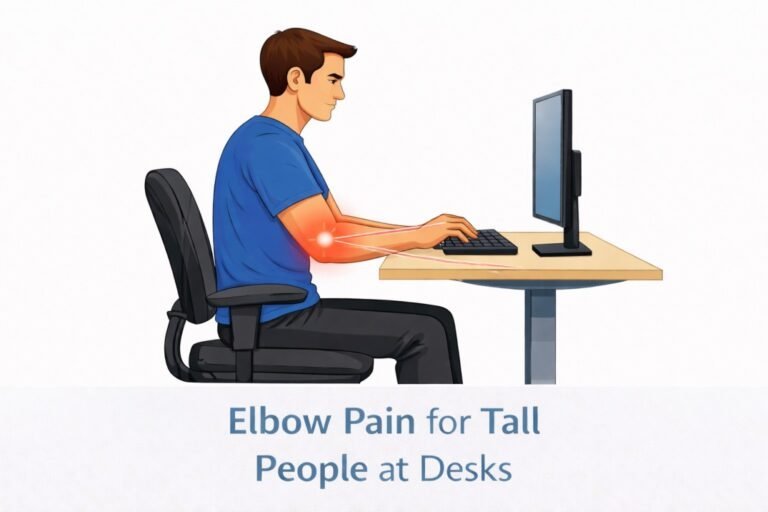
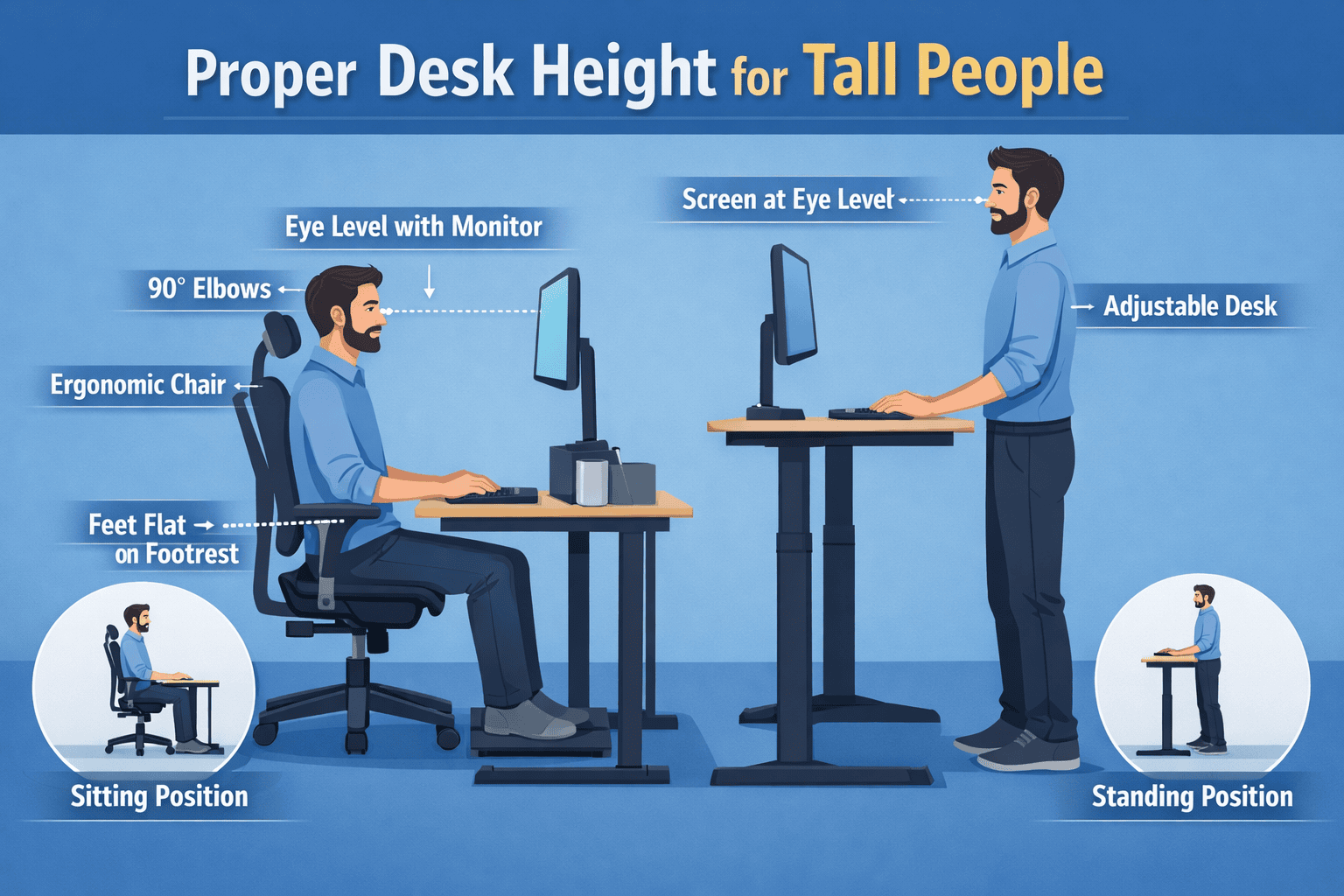
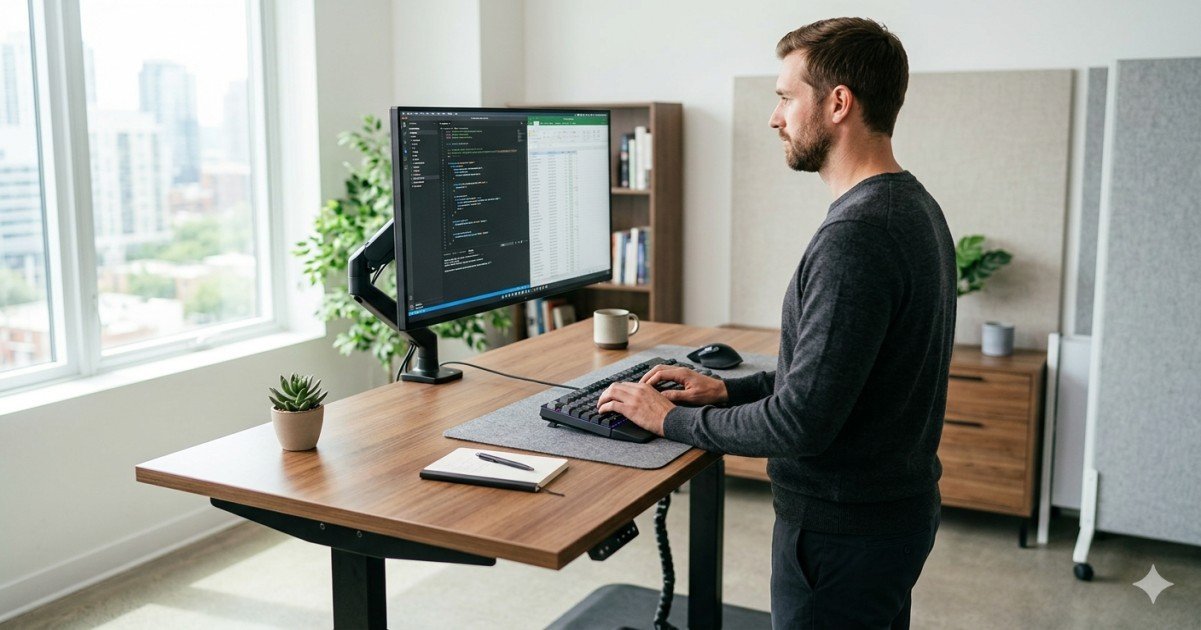
The keyboard should be positioned so your elbows remain close to a 90-degree angle while your shoulders stay relaxed. Tall users frequently benefit from adjustable keyboard trays that help maintain proper wrist alignment and reduce shoulder elevation. Our review of the best keyboard trays for tall people covers the most effective options for improving typing posture.
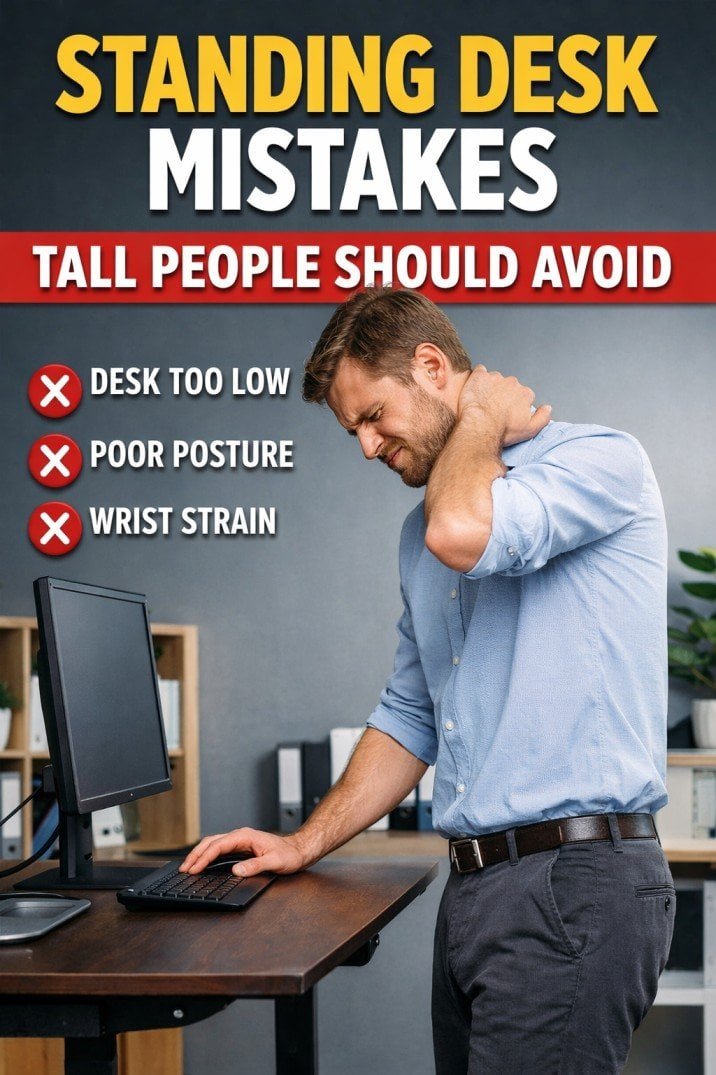
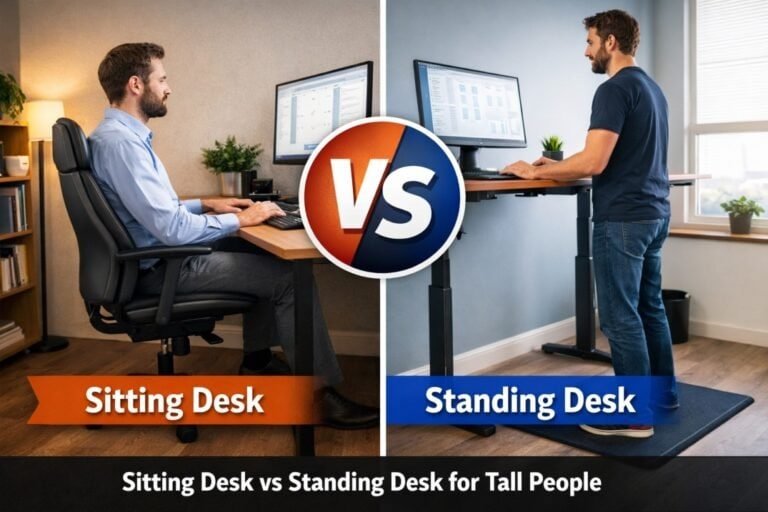
If your desk is too high or too low, keyboard comfort can suffer regardless of the keyboard itself. Our guide to the best standing desk height for tall people explains how proper elbow alignment improves typing comfort and workstation ergonomics.
Monitor placement also affects typing posture. When screens sit too low, tall users often lean forward, creating additional strain in the neck, shoulders, and wrists. Our guide to the best monitor height for tall people explains how proper screen positioning improves overall workstation ergonomics.
According to OSHA workstation guidance, keyboard placement should allow users to maintain neutral wrist posture and relaxed shoulders during computer work.
Frequently Asked Questions
Do tall people need special keyboards?
Not necessarily. However, tall users often benefit from full-size layouts, ergonomic designs, and keyboards that provide adequate spacing and comfort for larger hands.
Are mechanical keyboards better for tall people?
Mechanical keyboards are not automatically better, but many tall users prefer them because of improved typing feel, durability, and key stability.
What keyboard size is best for large hands?
Most users with larger hands find full-size keyboards more comfortable than compact or 60% layouts because they provide more natural spacing.
Should tall users use a keyboard tray?
In many cases, yes. Keyboard trays help position the keyboard at the correct height and can improve wrist and shoulder posture.
Final Recommendation
The best keyboards for tall people are not necessarily the most expensive models. The right choice depends on ergonomics, typing preferences, and overall workstation setup.
For most users, the Logitech MX Keys S offers the best balance of comfort, ergonomics, and productivity.
Users seeking a more ergonomic layout should consider the Microsoft Sculpt Ergonomic Keyboard or Logitech ERGO K860.
For mechanical keyboard enthusiasts, the Keychron Q6 Max provides one of the best typing experiences currently available.
Ultimately, the best keyboard for tall people is one that allows comfortable hand positioning, supports proper posture, and integrates well with the rest of an ergonomic workstation.