Best Monitors for Tall People (2026 Buying Guide)
Introduction
Finding the best monitors for tall people involves more than simply choosing the largest screen available. Taller users often sit farther from their displays, require higher monitor positioning, and frequently work with larger desks that benefit from wider screens and improved viewing distance.
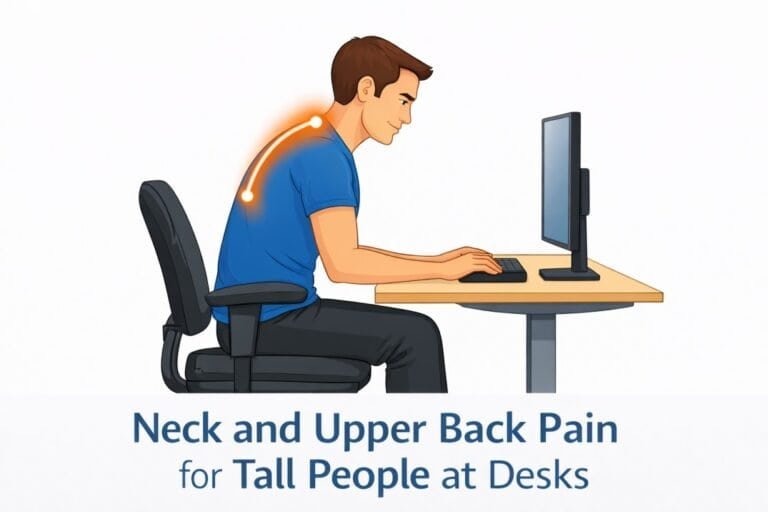
Unfortunately, many monitor recommendations focus solely on resolution or gaming performance while ignoring ergonomics. For tall professionals, screen size, height adjustability, viewing distance, and stand flexibility can significantly impact comfort during long workdays.
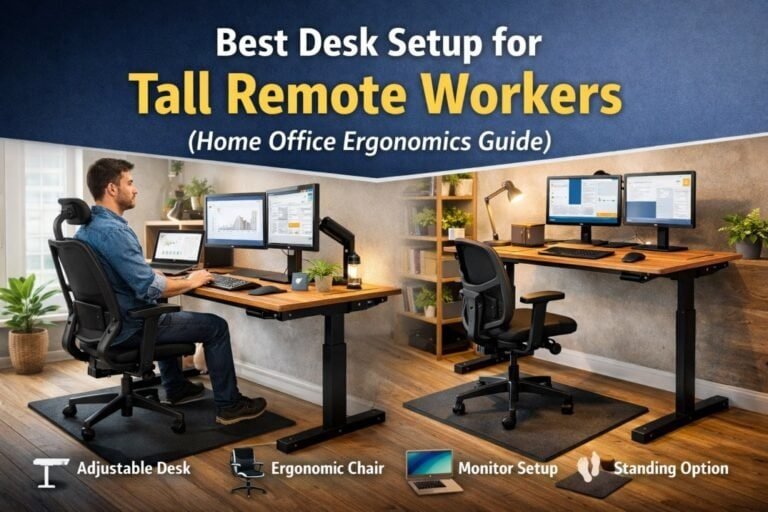
A properly selected monitor helps reduce neck strain, improve posture, and create a more productive workstation. However, monitor selection is only one part of the equation. Our guide to the best ergonomic desk setup for tall people explains how monitor placement, desk height, seating position, and accessories work together to create a comfortable workstation for taller professionals. Combined with correct monitor height and proper desk positioning, the right monitor becomes an essential component of an ergonomic workspace.
This guide reviews the best monitors for tall people based on screen size, ergonomics, adjustability, image quality, and long-term productivity.
Disclosure: This article may contain affiliate links. If you purchase through these links, we may earn a commission at no additional cost to you.
What Makes a Monitor Better for Tall People?
Tall users often have different workstation requirements than average-height users. Several monitor characteristics become particularly important. Understanding these features makes it easier to choose the best monitors for tall people based on workstation size, viewing distance, and productivity needs.
The Cornell University Ergonomics Program also recommends proper monitor positioning and viewing distance to reduce neck and upper-body strain.
Screen Size
Larger monitors allow tall users to maintain comfortable viewing distances while still seeing content clearly. For most tall professionals, 27-inch to 34-inch displays provide the best balance of productivity and comfort.
Height Adjustment
Monitor stands with generous vertical adjustment help align the top of the screen near eye level. This is critical for maintaining neutral neck posture.
Viewing Distance
Tall users often prefer deeper desks and larger workspaces. A monitor that supports comfortable viewing from 24–36 inches away can help reduce eye strain.
Resolution
Higher resolutions such as QHD (1440p) and 4K provide additional workspace and sharper text, which is especially beneficial for productivity tasks.
VESA Compatibility
VESA mounting support allows users to attach monitor arms for additional height adjustment and positioning flexibility.
Quick Recommendations
Best Overall
Dell UltraSharp U2725QE
Excellent image quality, ergonomic stand, and productivity-focused design.
Best Ultrawide
LG 34WQ73A-B
Large workspace and comfortable viewing distance for tall users.
Best Budget Monitor
Dell S2725DS
Strong ergonomics and image quality at an affordable price.
Best Premium Choice
BenQ PD3225U
Exceptional display quality and professional productivity features.
Comparison Table — Best Monitors for Tall People
The best monitors for tall people combine proper screen size, ergonomic adjustability, and comfortable viewing distances for long work sessions.
| Monitor | Size | Resolution | Best For |
|---|---|---|---|
| Dell UltraSharp U2725QE | 27″ | 4K | Overall Productivity |
| LG 34WQ73A-B | 34″ Ultrawide | QHD | Multitasking |
| Dell S2725DS | 27″ | QHD | Budget Productivity |
| BenQ PD3225U | 32″ | 4K | Premium Office Setup |
| ASUS ProArt PA279CRV | 27″ | 4K | Content Creation |
| LG DualUp 28MQ780 | 28″ DualUp | SDQHD | Vertical Workspace |
| Samsung ViewFinity S8 | 32″ | 4K | Large Screen Productivity |
Monitor Option #1: Dell UltraSharp U2725QE
The Dell UltraSharp U2725QE offers one of the best combinations of ergonomics, image quality, and office productivity features available today.
Pros
- Excellent stand adjustment
- Crisp 4K resolution
- Strong build quality
- USB-C connectivity
Cons
- Premium pricing
Monitor Option #2: LG 34WQ73A-B
This 34-inch ultrawide monitor provides additional horizontal workspace, making it ideal for multitasking and spreadsheet-heavy workflows.
Pros
- Wide workspace
- Excellent multitasking support
- Comfortable viewing distance
Cons
- Requires more desk space
Monitor Option #3: Dell S2725DS
The Dell S2725DS delivers strong value for office users who want a quality monitor without paying premium prices.
Pros
- Affordable
- Good ergonomics
- Sharp QHD resolution
Cons
- Fewer premium features
Monitor Option #4: BenQ PD3225U
The BenQ PD3225U is a premium productivity monitor designed for professionals who spend long hours at a workstation.
Pros
- Large 32-inch screen
- Exceptional image quality
- Excellent color accuracy
Cons
- Expensive
Monitor Option #5: ASUS ProArt PA279CRV
A strong choice for creative professionals who require accurate color reproduction and ergonomic flexibility.
Pros
- Excellent color performance
- Adjustable stand
- Professional-grade features
Cons
- Higher cost than standard office monitors
Monitor Option #6: LG DualUp 28MQ780
The DualUp design provides additional vertical workspace, making it useful for coding, writing, and document-heavy tasks.
Pros
- Unique vertical layout
- Space-efficient design
- Excellent productivity features
Cons
- Requires adaptation period
Monitor Option #7: Samsung ViewFinity S8
The ViewFinity S8 combines a large display with productivity-focused features and excellent image quality.
Pros
- Large screen size
- Sharp 4K display
- Good stand adjustability
Cons
- Premium price point
Monitor Size Recommendations for Tall People
Most tall professionals benefit from monitors larger than the typical office display.
Recommended Sizes
- 24-inch: Minimum recommended size
- 27-inch: Best overall balance
- 32-inch: Excellent productivity option
- 34-inch ultrawide: Ideal for multitasking
- 38-inch ultrawide: Best for maximum workspace
The ideal size depends on desk depth and viewing distance.
Monitor Placement Matters More Than Monitor Size
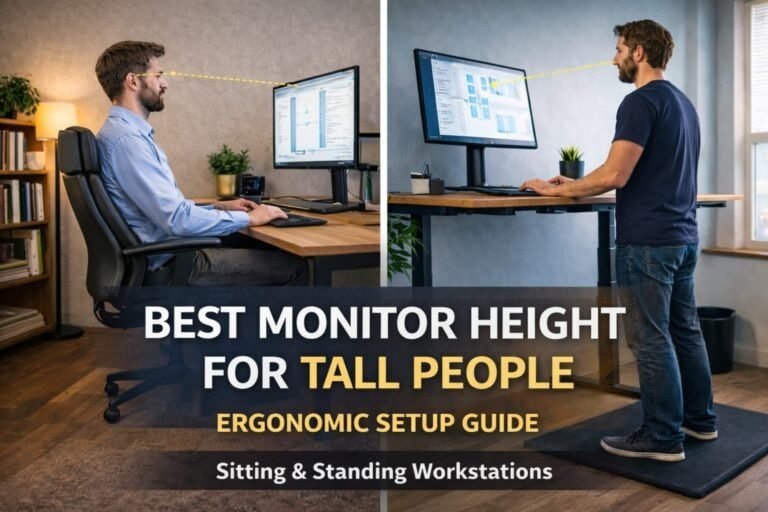
Even the best monitor cannot compensate for poor positioning. According to OSHA workstation guidance, monitor positioning should support neutral neck posture and comfortable viewing angles throughout the workday.
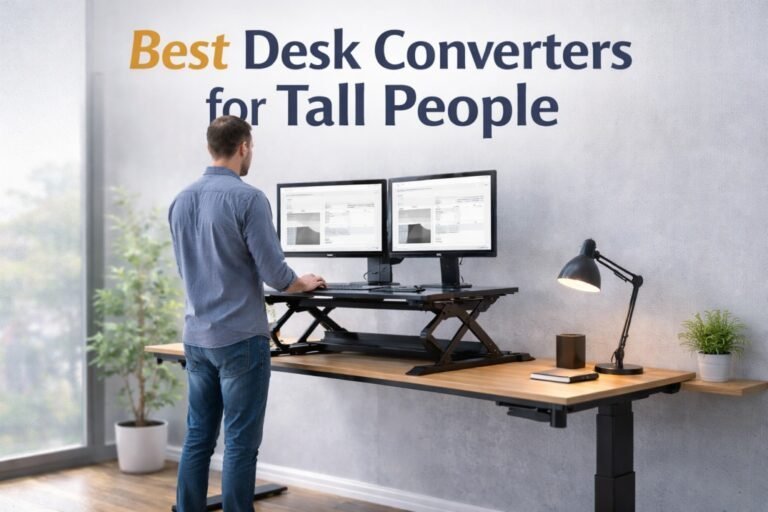
The top of the screen should sit at or slightly below eye level while maintaining a comfortable viewing distance. Proper monitor positioning also depends on desk height and stability. Our review of the best standing desks for tall people highlights desks that provide sufficient height range and support for ergonomic monitor placement. Improper monitor placement often contributes to neck strain and poor posture.
Our guide on monitor height for tall people explains how to position displays correctly for long-term comfort.
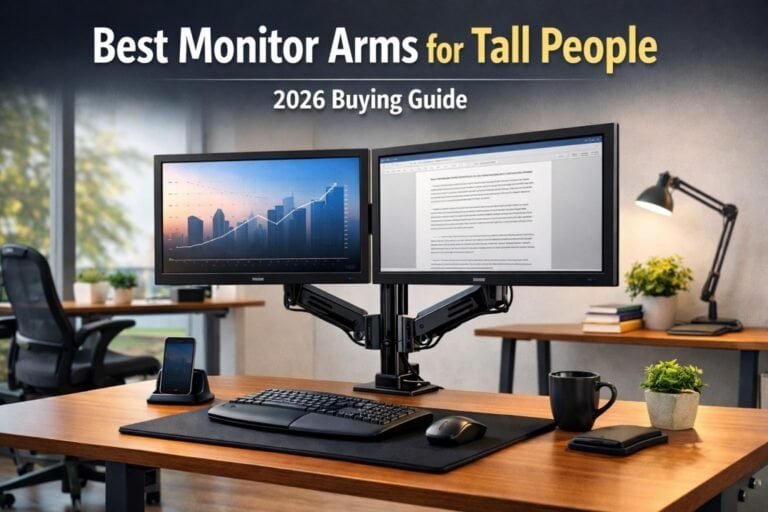
Users who require additional vertical adjustment may also benefit from monitor arms. Our review of the best monitor arms for tall people covers options that provide greater flexibility than standard monitor stands.
Frequently Asked Questions
What monitor size is best for tall people?
Most tall professionals find 27-inch to 32-inch monitors provide the best balance of screen space, viewing distance, and ergonomics.
Are ultrawide monitors good for tall users?
Yes. Ultrawide monitors often work very well for tall users because they support wider viewing distances and improve multitasking efficiency.
Do tall people need monitor arms?
Not always, but monitor arms frequently provide additional height adjustment that helps maintain proper screen positioning.
Is a 24-inch monitor too small for tall users?
For many users, yes. Taller professionals often prefer larger displays that can be viewed comfortably from greater distances.
Final Recommendation
When comparing the best monitors for tall people, focus on ergonomic flexibility and viewing comfort rather than simply choosing the largest display available.
For most users, the Dell UltraSharp U2725QE offers the best overall balance of ergonomics, image quality, and productivity features.
Users seeking maximum workspace should consider the LG 34WQ73A-B ultrawide monitor, while those wanting a budget-friendly option should look at the Dell S2725DS.
Ultimately, the best monitors for tall people are those that support proper viewing distance, provide adequate height adjustment, and integrate well with a complete ergonomic workstation.